AI TOOL / #06525
Whisper Text Reader
Browser plug-in that reads selected text aloud using text-to-speech technology.
Introduction
Browser extension that reads aloud selected text using text-to-speech technology.
What is Read Aloud ai chrome extension/plugin?
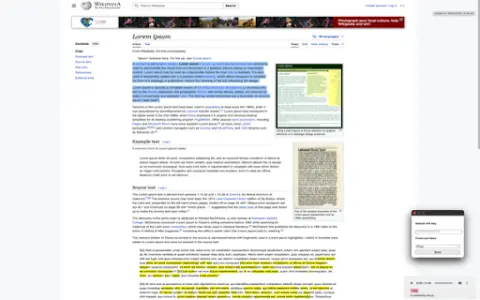
Read Aloud is a browser plug-in that uses text-to-speech (TTS) technology to read web page text aloud. It supports multiple voices and languages, allowing users to customize their listening experience. The plug-in integrates seamlessly with web browsers, allowing users to easily select text and have it read aloud with a right-click.
How to use Read Aloud ai chrome extension/plugin?
Highlight selected text on a web page, right-click and select "Speak this text" to have the plug-in speak the selected text.
Read Aloud ai chrome extension/plugin core features
Text-to-speech functionality for web text
Related
boterview
An AI-driven tool for interview preparation that offers realistic simulated interviews and personalized feedback.
Altered
A voice artificial intelligence platform that offers features for voice alteration, cloning, and content creation.
VEED.IO
Online AI video editing and subtitle generation tool
Content Render
A fully functional AI content generator capable of creating text, images, audio, video, and chat content.
Isahit
AI driven by moral principles, along with data annotation, fine-tuning, and processing.
Chromesthesia
Capture audio tagged with relevant labels and use various audio recognition services to analyze them.