AI TOOL / #07082
SeeHear – Text Capture
An iPhone app that instantly converts text displayed on the camera into speech.
Introduction
iPhone app that converts camera text to speech instantly.
What is SeeHear – Text Capture?
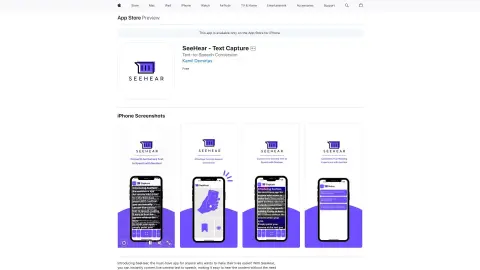
SeeHear is an iPhone application that can instantly convert text displayed on the live camera into spoken words. Users can point the camera at the text, and the app will automatically recognize it and read it out aloud. Additionally, users can take photos of the text and save them for future reference. This tool is designed to assist people with visual or reading impairments, as well as those who simply want to save time by having texts read aloud for them.
How to use SeeHear – Text Capture?
Simply point your iPhone’s camera at the text you would like to have read aloud. SeeHear will automatically recognize the text and read it out for you. You can also take a photo of the text for future use.
The core functionality of SeeHear – Text Capture
Real-time text-to-speech conversion using a webcam
Save the captured text to the iPhone’s photo album.
The text size and font type can be customized.
Save and share the captured text.
Save the captured text to the iPhone’s photo album.
The text size and font type can be customized.
Save and share the captured text.
Related
ApolloAI
Generative AI platforms designed for content creation: music, audio, dubbing, images, videos, and text.
NotePlan AI Meeting Notes
AI-powered meeting notes for Google Meet, including summaries, transcripts, and NotePlan integration.
Talkery: AI Rephraser
GrammarlyGO is an AI writing assistant designed to help generate, rewrite, and refine text.
QuizTok – AI Generated Quiz Videos for TikTok
A platform for creating and sharing interactive educational quizzes on social media.
AI Haggler
AI agents are used in hotel price negotiations and for making business calls.
Transcripción+
Audio-to-text transcription service with professional and AI options to ensure quality and confidentiality.