AI TOOL / #07070
TranslateAir
AI-driven translation and OCR tools suitable for macOS.
Introduction
AI-powered translation & OCR tool for macOS.
What is TranslateAir?
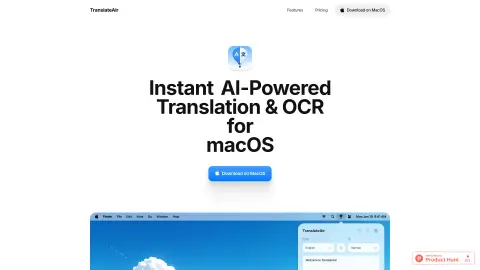
TranslateAir is an AI-powered translation and Optical Character Recognition (OCR) tool designed for macOS. It enables users to instantly translate text from any application, website, or document. Its features include a real-time floating toolbar, intelligent rewriting options, customizable shortcuts, access via the menu bar, as well as advanced OCR capabilities that allow users to capture text from anywhere.
How to use TranslateAir?
Select text from any application, website, or document. A floating toolbar will immediately appear beside it, making the translation process extremely easy. You can also use custom keyboard shortcuts to initiate translations or perform OCR operations.
The core functions of TranslateAir
AI-driven translation
Intelligent rewriting
pop-up translation
Text OCR extraction
keyboard shortcuts
Multi-language support
Intelligent rewriting
pop-up translation
Text OCR extraction
keyboard shortcuts
Multi-language support
Related
Clipboard TTS
A convenient text-to-speech application that offers features designed to assist individuals with reading difficulties, as well as automatic translation capabilities.
CommentGPT
A browser extension that uses artificial intelligence to generate intelligent and context-rich social media comments.
ScantextAI
ScanTextAI is an online OCR service designed to extract text from images.
Image to Text CC
Online OCR services that extract text from images and convert it into various formats.
Procys
An AI-based automated document processing and data extraction platform.
Physna Nexus+
Improve the search and analysis capabilities for 3D models within the Unity Asset Manager.