AI TOOL / #06796
AutoPod
An Adobe Premiere Pro plugin for automatic video podcast editing.
Introduction
Adobe Premiere Pro plugin for automatic video podcast editing.
What is AutoPod?
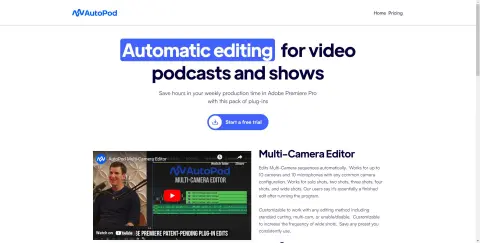
AutoPod is a set of plugins for Adobe Premiere Pro, designed specifically for video podcast and video program editors. It automates tasks such as multi-camera editing, creation of social media-ready content, and seamless editing based on audio silence markers. By streamlining processes that often prove time-consuming for editors, AutoPod helps to save valuable production time every week.
How to use AutoPod?
Install the AutoPod plugin in Adobe Premiere Pro. Open a project file in Premiere Pro, navigate to Window > Extensions, and then click on the desired AutoPod application. Use these tools to automatically edit multi-camera videos, create social media-ready clips, or add transitions based on audio silence.
The core functions of AutoPod
Automatic multi-camera editing
Social media content creation
Jump-cut editing
Social media content creation
Jump-cut editing
Related
Resemble
An AI voice generator with voice cloning capabilities, used for text-to-speech and voice-to-voice conversions.
PredictionHealth Sidekick
An AI-powered Chrome extension that helps make the process of documenting medical information faster, easier, and more compliant with regulatory requirements.
Dictate4Me
Real-time audio transcription applications enable the rapid conversion of speech into text offline.
Orai
An application based on artificial intelligence, designed for practicing public speaking and enhancing one's skills in this area.
WhisperUI – Text to Speech
WhisperUI: Affordable text-to-speech and speech-to-text services that utilize the OpenAI Whisper API.
Syllaby
Artificial intelligence-based tools designed to efficiently produce viral social media videos.