AI TOOL / #06438
Claude Speech-to-Text
Adding voice input to Claude.ai makes it easier to interact with the system.
Introduction
Adds voice input to Claude.ai for easier interaction.
What is the Speech-to-Text extension/plug-in for Claude.ai and Google Chrome?
This feature adds voice-to-text conversion to the Claude.ai chat system, allowing users to input text by speaking. It enhances accessibility and provides a more convenient way for those who prefer to communicate verbally rather than typing, or for individuals with mobility challenges.
How to use the Speech-to-Text feature of the Claude.ai AI Chrome extension/plug-in?
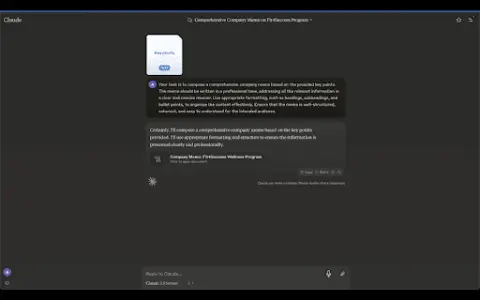
Users can activate the voice-to-text function within the Claude.ai chat interface. Once activated, they can speak into the microphone, and the system will convert their speech into text and send it to Claude.ai.
The core functionality of the Speech-to-Text feature in the Claude.ai AI Chrome extension/plug-in
Voice input for chatting via Claude.ai
Related
Mixflow.AI
An AI-powered unlimited canvas, designed for creative collaboration and enhanced productivity.
SpeechGen.io
An AI-powered text-to-speech converter that provides realistic voiceovers.
Pinokio
A browser designed to automatically install, run, and control any application, especially AI applications.
Celebrity Voice Changer
Use the microphone to instantly transform your voice into that of any famous celebrity.
Yapping
Yapping is a Chrome extension that enables voice interaction with ChatGPT, offering advanced features at a lower cost.
Jamit.app
Provide sound creators with a comprehensive platform for recording, releasing, and distributing audio content.