AI TOOL / #06276
Message AI
Cross-platform AI chat application that supports iCloud synchronization, as well as text-to-image and text-to-speech functions.
Introduction
Cross-platform AI chat app with iCloud sync, text-to-image, and text-to-speech.
What is Message AI – GPT TTS?
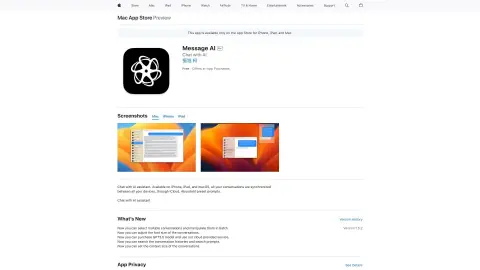
Message AI – GPT TTS is a cross-platform application available for iPhone, iPad, and Mac. It enables users to chat with the AI assistant, synchronize conversations across devices via iCloud, and utilize features such as text-to-image and text-to-speech conversion. The app also offers a keyboard extension that allows access to the AI within any other application, and supports custom prompts.
How to use Message AI – GPT TTS?
Download the app from the App Store, start a conversation, and chat with the AI assistant. You can also use the keyboard shortcuts in other apps to access the AI features. Customize the prompts and make use of the text-to-image and text-to-speech functions.
The core functionality of Message AI – GPT TTS
AI chat assistant
Cross-device iCloud synchronization
Text-to-image generation
Text-to-speech function
Customizable prompts available.
Accessing AI-powered keyboard extensions in any application.
Cross-device iCloud synchronization
Text-to-image generation
Text-to-speech function
Customizable prompts available.
Accessing AI-powered keyboard extensions in any application.
Related
AI Twin: Your Digital Self
AI Twin is a digital avatar that answers queries via voice calls.
Bubbly Meeting Api
API for managing meeting bots, recordings, transcripts, and insights.
WAGPT
Use ChatGPT on WhatsApp to engage in AI-driven conversations and carry out learning activities.
AI Speak Subtitles for YouTube
Chrome extension for YouTube that enables real-time voice subtitles, supports translation and customization.
SantaCard
Use AI to create personalized Christmas Santa video messages.
Vapi
Provides developers with a platform for building, testing, and deploying voice AI agents.