AI TOOL / #02603
DeckAssistant
Stream Deck plug-in for AI assistant, supports custom prompts and chat management.
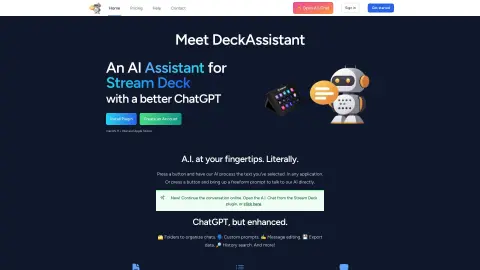
Introduction
Stream Deck plugin for AI assistance with custom prompts and chat management.
What is DeckAssistant?
DeckAssistant is a Stream Deck plug-in that puts artificial intelligence at your fingertips. It allows users to work with selected text in any application, use any prompt, or talk directly to the AI using free-form prompts. It provides a better ChatGPT interface, with functions such as folder organization of chats, customized prompts, message editing, data export, historical search, collection, screenshot export, prompt library, chart sharing, Google integration and image generation.
How to use DeckAssistant?
To use DeckAssistant, create an account, copy the API key from the dashboard, install the Stream Deck plugin, add a button, paste the API key, and press the button to start using the AI. You can select text in any app and process it with the press of a button, or use free-form prompts to ask the AI questions.
DeckAssistant Core Features
AI processing of selected text
Freeform AI prompts
Customizable prompts
Folders to organize chats
Message editor
Data export
Historical searches
collect
Screenshot export
prompt library
Chart sharing
Google integration
image generation
Freeform AI prompts
Customizable prompts
Folders to organize chats
Message editor
Data export
Historical searches
collect
Screenshot export
prompt library
Chart sharing
Google integration
image generation
Related
asklog
Managing local programming agents on mobile devices
lalye
A comprehensive team management platform with AI assistants for OKRs, KPIs, tasks, and collaboration.
Gnothi
Open-source AI journal that uses AI to provide insights and resources.
MacGPT
A Mac application designed for accessing ChatGPT, featuring global search functionality, integrated tools, and a menu bar interface.
Risotto
AI-powered automation tools for IT support.
TrailMate
An offline AI assistant for outdoor safety and guidance.