AI TOOL / #10085
DALL·E Cli
A command-line tool that allows users to generate, edit, and filter images using the DALL-E 2 API.
Introduction
Command-line tool to generate, edit, and filter images using the DALL-E 2 API.
What is DalleCli?
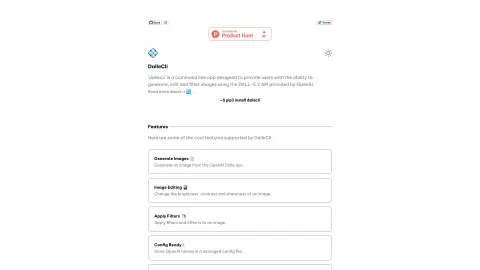
DalleCli is a powerful and easy-to-use command-line tool that utilizes the OpenAI DALL-E API to generate, edit, and filter images. It allows users to create stunning images directly from the command line, apply various effects and filters, and enhance their creativity. DalleCli provides the capability to use the DALL-E 2 API offered by OpenAI for image generation, editing, and filtering purposes.
How to use DalleCli?
Use `pip3 install dallecli` to install DalleCli. Then, use commands such as `generate`, `edit`, and `filter` to create and modify images from the command line, by utilizing the OpenAI token stored in the management configuration file.
The core functions of DalleCli
Generate images using the OpenAI Dalle API.
Adjust the brightness, contrast, and clarity of an image.
Apply filters and special effects to the image.
Store the OpenAI token in the management configuration file.
Adjust the brightness, contrast, and clarity of an image.
Apply filters and special effects to the image.
Store the OpenAI token in the management configuration file.
Related
New CrawlForge MCP
Web Scraping MCP for AI Agents
Pollinations
An open-source platform that offers easy-to-use AI APIs for text and image generation.
LangSearch
Web search and reordering API for LLM applications, providing accurate context.
New Jotform Apps
A code-free tool for generating apps through dialogue
ModelsLab AI
A developer-centric API platform for AI and machine learning models.
seo.ing
AI SEO writing tool – quickly generates high-ranking articles.